
Last Updated on March 1, 2026
When writing my last post using Word and AnythingLLM, I encountered a situation where I needed to work with different workspaces and settings. For instance, AnythingLLM provides a Chat mode with two configuration options: Chat and Query. When testing the effectiveness of RAG, I switched to Query mode in AnythingLLM. This allowed the model to provide answers only if document context is found in its vector database. In that experiment, I prepared two documents as the context for RAG. The main difference between these modes is how they handle answers. The Chat model provides answers with the LLM’s general knowledge and document context that is found. To set up this experiment, I created a workspace called “workspace1” to manage the settings and upload the documents. To set up this experiment, I created a workspace called “workspace1” to manage the settings and upload the documents. By comparing the results obtained from both modes, it becomes clear that the RAG has proven effective.
📖 Part of the Secure AI Writing Workflows for Teams: A Complete Guide
This post is a deep-dive cluster page focusing on various use cases enabled by LocPilot in Word. Visit the pillar page to master the basic functions, explore advanced editing and content refinement, and dive into power user experiments—all designed to keep your writing process efficient and secure on intranet.
The following screenshots are powered by GPTLocalhost, which offers the same core features for individual use. LocPilot in Word is the intranet edition of GPTLocalhost designed for teams with air-gapped security. For a quick demo of LocPilot, please click here.

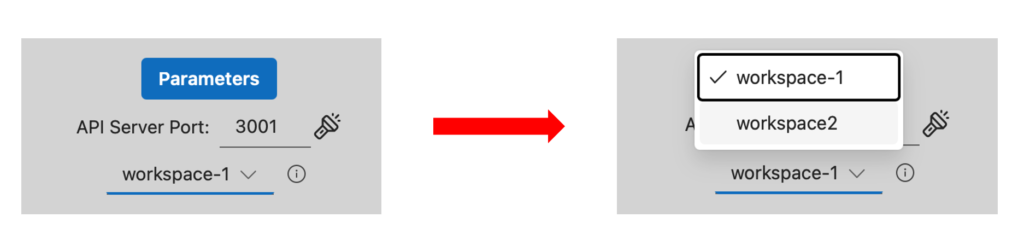
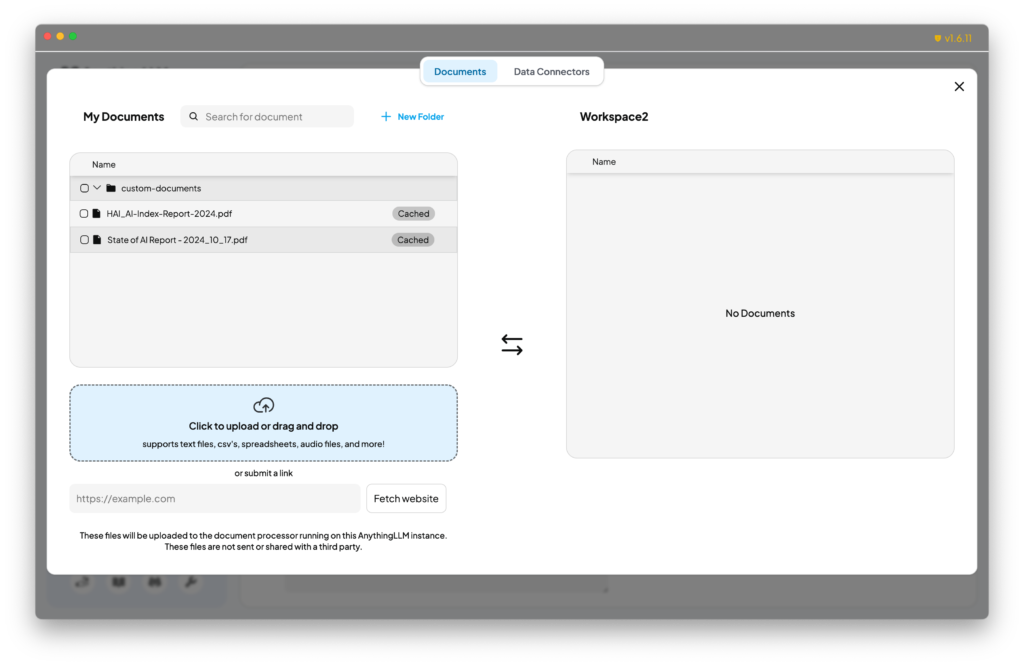
Why do I need another workspace? The answer lies in my desire to polish my writing with different styles. In general usage of LLMs, I don’t require the uploaded documents as context, nor do I need the Query mode to constrain the model’s text generation. Instead, I can rely on the default Chat mode, which allows for free-form writing without unnecessary constraints. This flexibility is where multiple workspaces come in handy. Having separate workspaces with distinct settings enables me to switch between styles and approaches seamlessly. It’s convenient to have multiple workspaces available, especially when using AnythingLLM, as it allows for easy switching between them. My configurations are shown as follows.
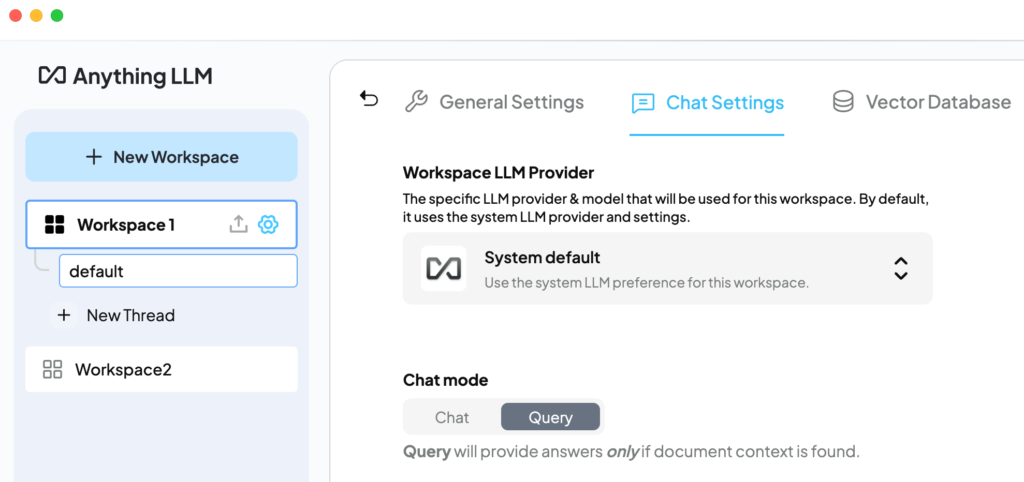
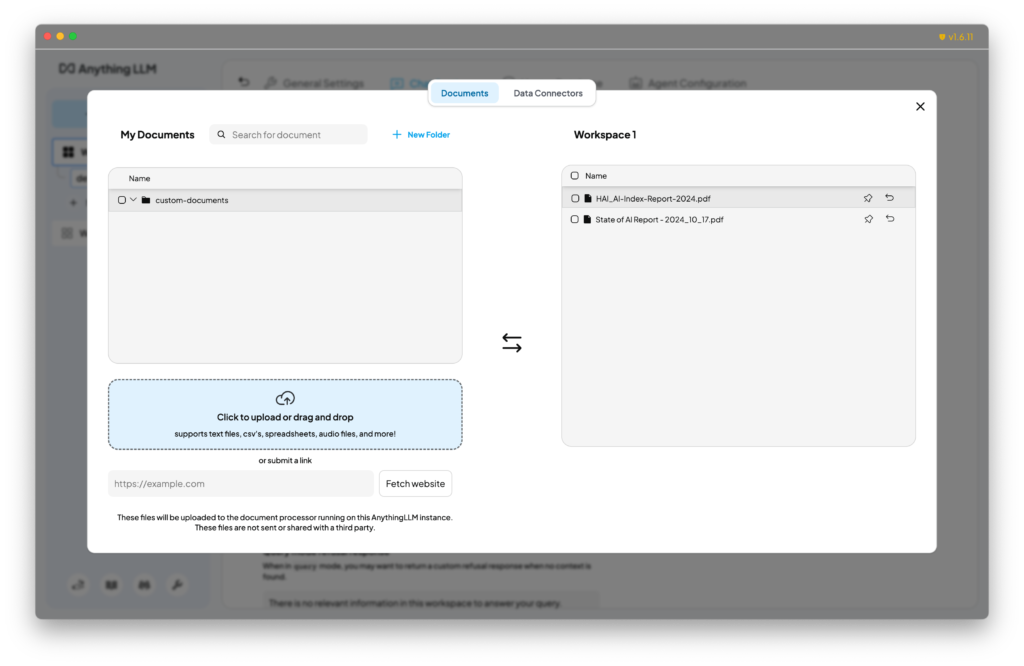
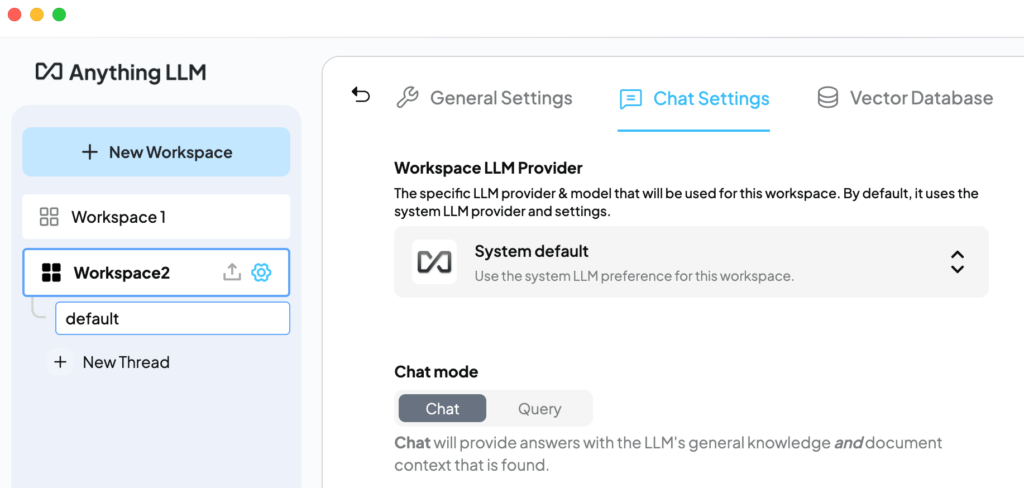
In brief, leveraging AI-assisted writing tools can greatly enhance your writing experience by allowing you to seamlessly switch between different writing personas for various situations.
With LocPilot in Word bridging Microsoft Word and AnythingLLM, this feature is particularly noteworthy as it enables you to tailor your workspaces in AnythingLLM to suit your specific needs, thereby significantly boosting your writing productivity. Such convenient functionality is often lacking in cloud-based LLM providers, which may struggle to accommodate the diverse situations in writing with a single mode.
For more creative uses of local and private LLMs in Microsoft Word, explore additional demos available on our channel at @LocPilot.
Empower Your Team with Secure, Professional AI
The future of professional writing isn’t just about better tools—it’s about providing your team with the intelligence of AI within an air-gapped environment. By bringing your AI workflows onto your local intranet, you give your team powerful LLMs to innovate, refine, and collaborate on their most sensitive projects with absolute confidence and peace of mind.
Ready to elevate your team’s productivity? Download LocPilot and experience how high-performance, local AI can transform your drafting process. Equip your office with a professional-grade environment where proprietary ideas are both enhanced and protected. You can start with our free tier today to explore the possibilities—no credit card required.